It’s at the top of the book page, right under the “Your complete manuscript is ready” banner. Open My Books, click the cover, and the description is the first block of text in the right column, with a Copy KDP HTML button above it.
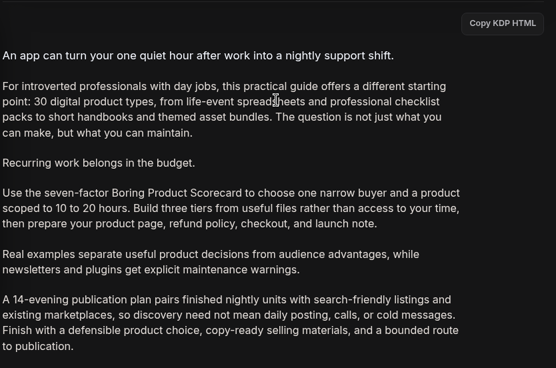
It took me a while to spot because it has no heading. I kept opening Amazon listing details looking for it, but that section only holds the 7 keywords and the category.
What I do for KDP:
- Click Copy KDP HTML.
- Paste it into the Description field on KDP.
- Check how it looks in the KDP preview before saving.
The bold first line is the hook, so that’s the one I tweak if I change anything.
Do you edit your blurbs much before publishing?