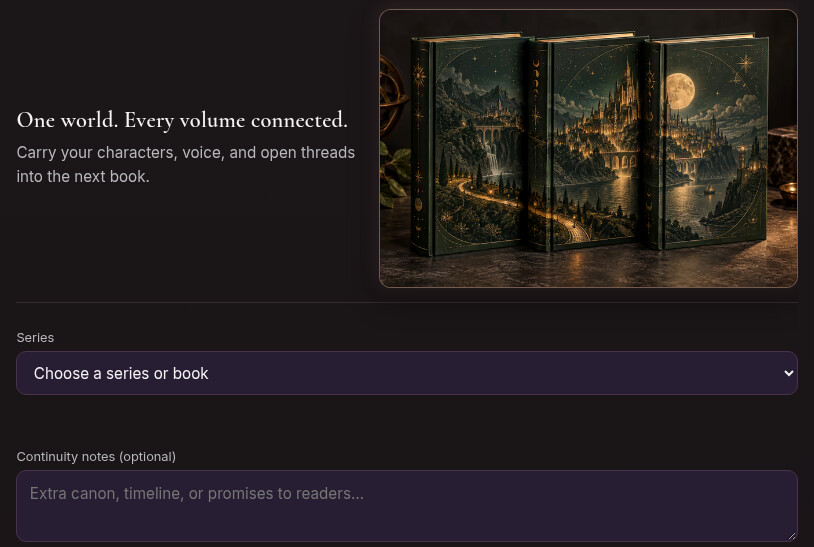
Use the Series Builder tab on the new book screen. It’s the third tab, next to New Book and Manuscript Rewrite, and it carries your characters, voice and open threads into the next book.
- Open the app and click Series Builder.
- In Describe this book in the series, write what happens in this volume: the new problem, who’s back, where it starts.
- Pick the earlier book in the Series dropdown (“Continue: ”), or one of your series, or “Start a new series”.
- Use Continuity notes (optional) for anything that must hold: a scar, a timeline date, a promise you made readers in book 1.
Under the extra options, the Ending list has “Series installment: resolve this arc, preserve future threads”, which is the one I pick for every middle book.
How many books do you plan before you write the first?