A click on your cover in Explore doesn’t open the blurb. It creates the Word file of your book. The little magnifier is what opens the description.
So whether a book goes public is worth a second look. The switch sits at the very bottom of each book page:
- Open the book from your shelf.
- Scroll past the teaser video, Paperback cover, Amazon listing details, Story bible and Your original idea rows.
- Under Explore visibility you’ll find the Uploaded to Explore checkbox.
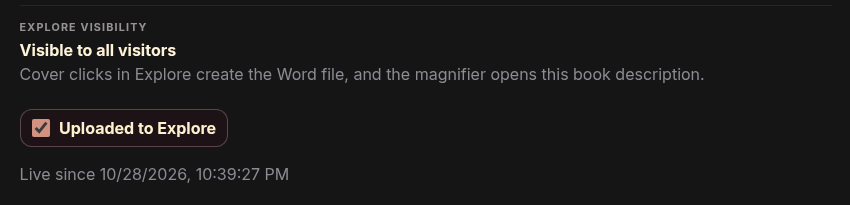
When it’s checked, the book shows as “Visible to all visitors” with a “Live since” date and time underneath, so you can see exactly when it went up.
I keep series openers public and leave rough test drafts off. Which of yours would you put up first?