Unlike Genre, Tone or Themes, the Subtitle field has no Ideas button. This one you write yourself.
Where it is: on the New Book form, open More options. Subtitle sits in Book details, right under Title and above Author name. The placeholder just says “Add a subtitle”. If you leave Title empty, Vela finds one for you, but the subtitle is all yours.
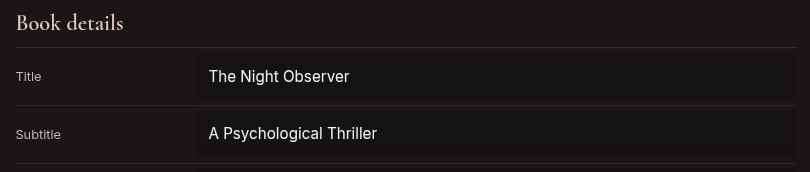
What I put there depends on the book:
- Nonfiction: the promise. “Simple Weeknight Dinners for Busy Parents”
- Fiction: the genre or series. “A Psychological Thriller” or “Book One of the Ember Saga”
- Memoir: the angle. “A Year of Starting Over in Lisbon”
One line is plenty.
Do you write your subtitle first or last?