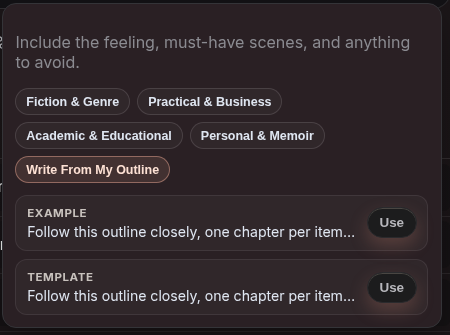
Yes. On the New Book form, click Examples in the bottom right of the prompt box and pick the Write From My Outline category. It gives you a template to fill in:
- one numbered line per chapter, with the chapter title and what happens
- the tone you want
- the point of view or through-line to keep
- “Do not reorder, merge, or skip chapters.”
- the ending vibe
The helper line says to include the feeling, the must-have scenes and anything to avoid. Their sample is a quiet six-chapter story about Mara and a sealed letter in her late father’s workshop, and it closes with “a sense of earned peace rather than a neat resolution.” That last line is my favorite trick here: name the ending feeling, not just the plot.
Do you outline chapter by chapter, or just the big beats?