Open the book from your shelf and look under the cover. There’s a row of format buttons labelled “Choose how to open your book”, and the big button below it changes with whatever you pick:
- Online: Read your book (read and edit right there)
- EPUB: Download EPUB, for Kindle, Apple Books or Kobo
- Kindle: Send to Kindle, straight into your Kindle library
- Word: Download Word, for editing in Word or Google Docs
- Markdown: Download Markdown, a plain-text manuscript
- Cover: Download Cover, your original front cover
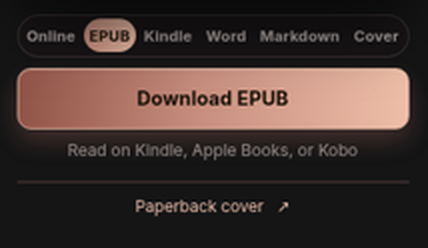
The Paperback cover link right under the button jumps to the full wrap (front, spine and back) for print.
I grab the Word file when I want to do a last pass in Google Docs, and EPUB when I just want to read it on my phone. Which format do you usually start with?