To delete a book, open it from your library and look at the About this book panel on the left. Under the book details (word count, genre, language, writing model) there’s a small Delete book link, right next to Edit book info.
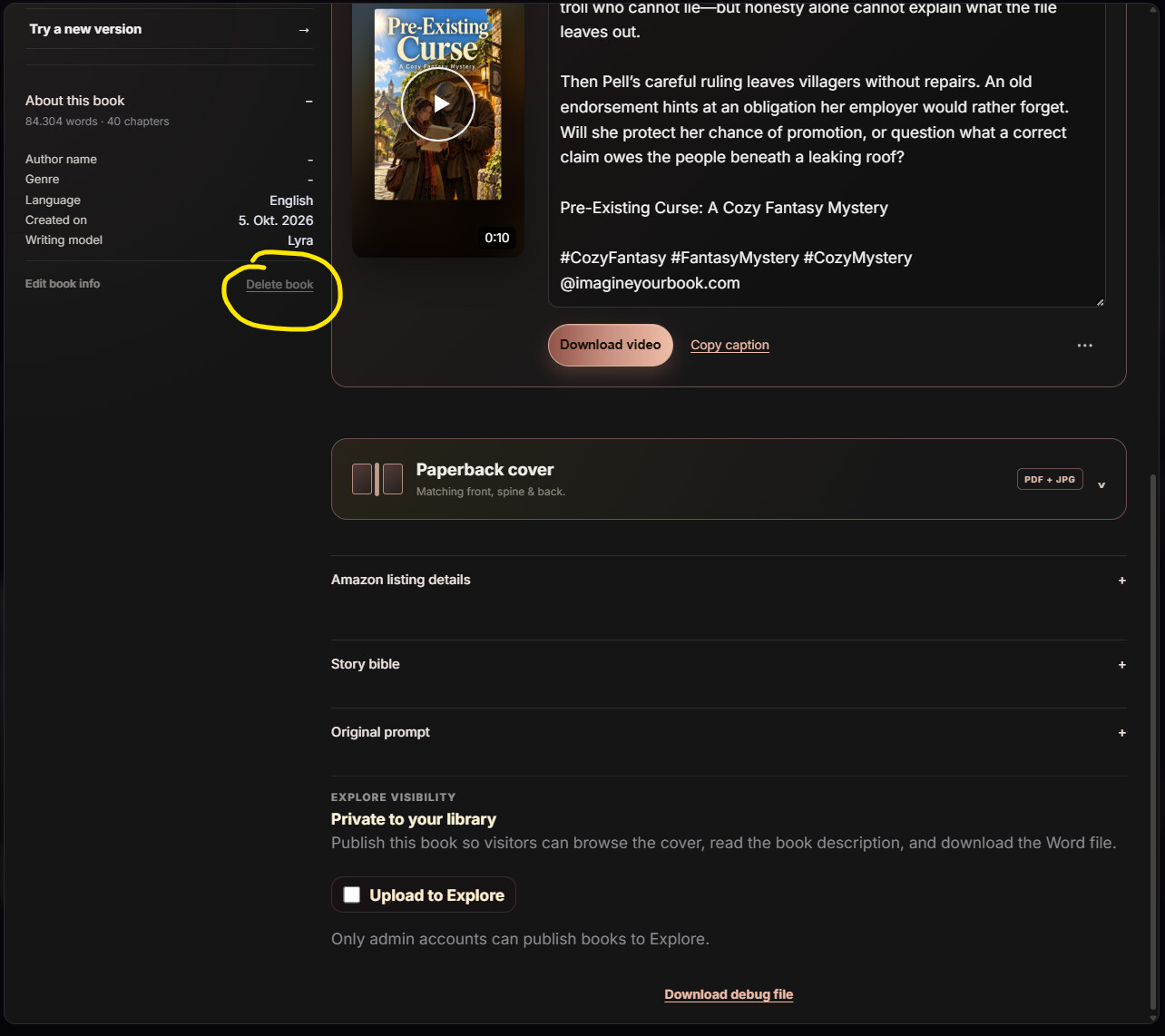
It’s small gray text, so it’s easy to scroll past.
Before you delete, save anything you want to keep:
- the teaser video (Download video) or the paperback cover files (PDF + JPG)
- your Original prompt and Story bible, so you can reuse the idea later
I use it to clear out test runs so the library only shows the books I actually care about. Anyone else keep a running file of old prompts?